

Installing the OpenCart Extension
Install the DigetPay payment extension on OpenCart 3.x or 4.x and enable it from the OpenCart admin panel.
Before you start
- OpenCart 3.x or 4.x installed and running on HTTPS
- Admin access with permission to install extensions
- Download the DigetPay OpenCart extension
.ocmod.zipfile from your DigetPay account manager or contact support
Version requirements: OpenCart 3.x requires PHP 7.2+, while OpenCart 4.x requires PHP 8.0+.
Step 1 — Upload extension
- Log in to OpenCart Admin.
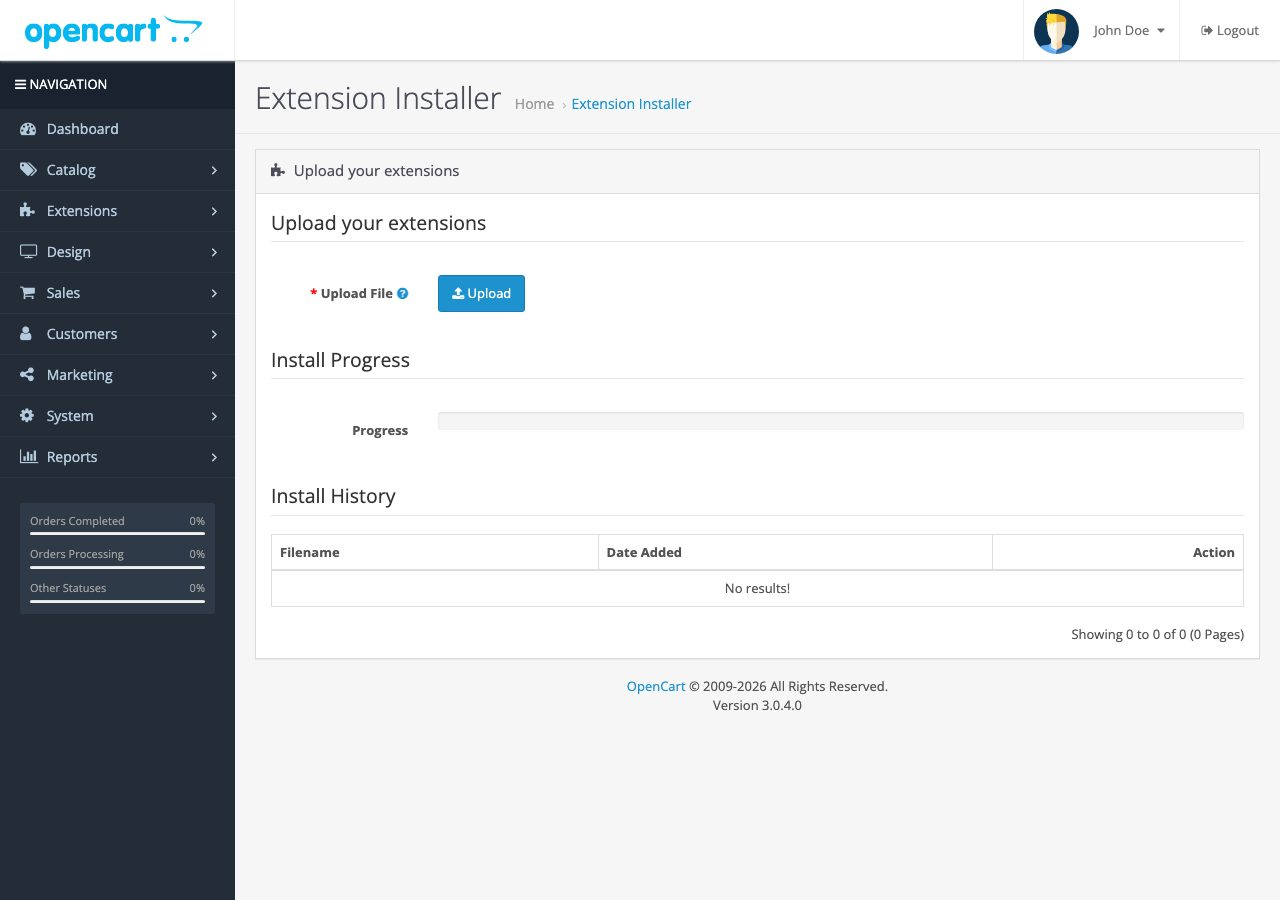
- Go to Extensions → Installer.
- Click Upload and select the DigetPay extension
.ocmod.zipfile. - Wait for the Success confirmation.
OpenCart 3.x
OpenCart 4.x

Step 2 — Install extension
- Go to Extensions → Extensions.
- Choose extension type Payments.
- Find DigetPay and click Install (+ green button).
- Click Edit (pencil) to open the configuration.
The Extensions page may look different between OpenCart 3.x and 4.x, but the DigetPay extension must be installed from the Payments extension list.
Step 3 — Enable payment method
- In the DigetPay extension settings, set Status to Enabled.
- Save your settings.
- DigetPay should now appear as a payment method at storefront checkout.
If the extension does not appear, clear the OpenCart modification cache:
Extensions → Modifications → Refresh.
Updated 28 days ago
Did this page help you?