

Dashboard Home
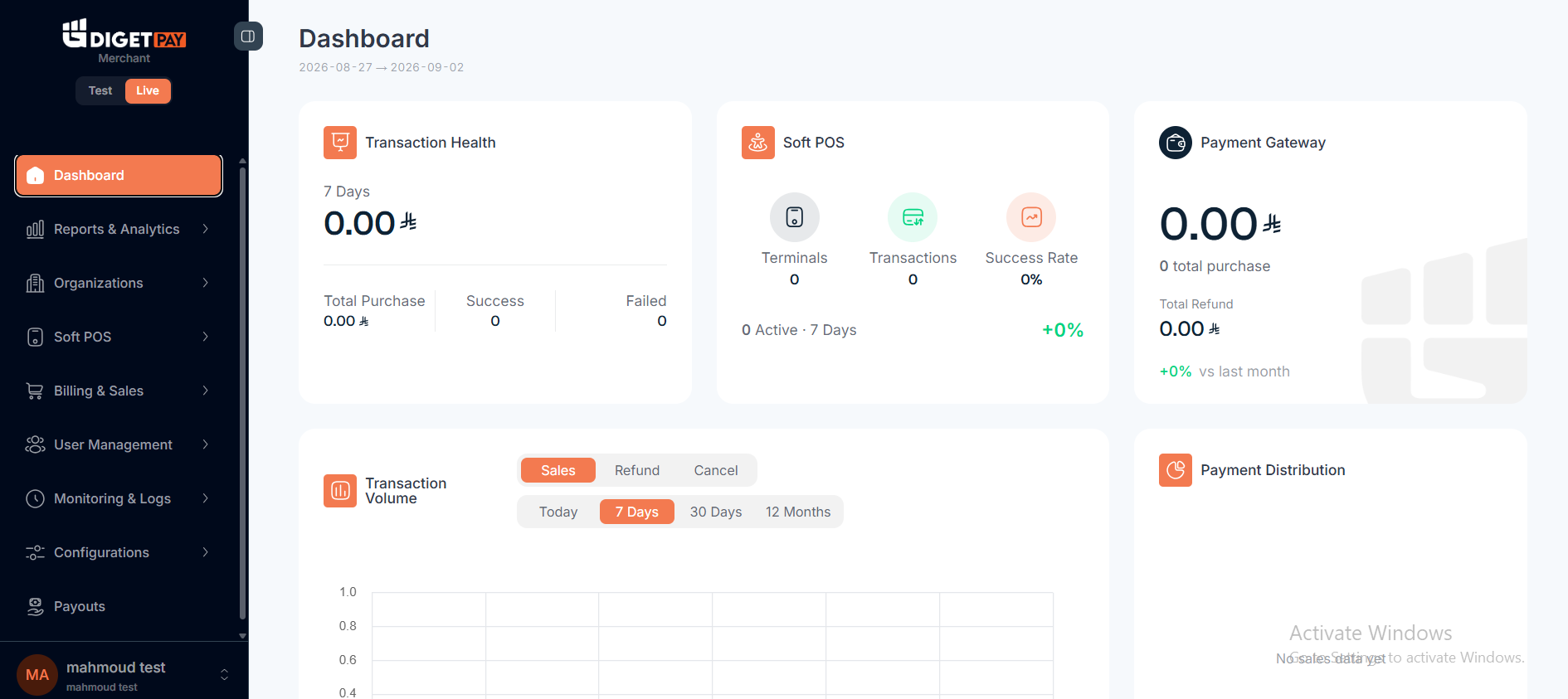
KPIs, recent transactions, and quick actions on the merchant home screen.
The dashboard home screen summarizes payment activity and provides shortcuts to common tasks.
Production: https://pay.digetpay.com
Typical home widgets
| Widget | Description |
|---|---|
| Today's volume | Total successful payment amount (SAR) |
| Transaction count | Approved vs declined today |
| Recent transactions | Last N payments with status badges |
| Quick links | Export, refund search, API settings |
Recommended daily review (production)
Review failed and declined transactions, investigate any webhook delivery errors shown in the dashboard, and spot-check settlement totals against your internal order records.
Staging usage
Use Fin staging home to verify test payments appear after Quick Start
Related
Updated about 1 month ago
Did this page help you?